Everything StreamRift ships with.
One binary. No plugins. The full v1.0 feature surface, grouped.
Five layouts, purpose-built.
Click a preset or drag any divider. Your last layout survives restarts.
Ships in v1.0.
Multi-stream grid
Four simultaneous streams. Five layout presets. Drag any divider to resize. Last layout persists across launches.
Native HLS playback
Direct m3u8 playback via hls.js for Twitch and Kick alike. No platform web player is ever loaded - it's a native video element, not a web embed.
Per-pane audio
Independent volume, mute, and quality controls. Focus one stream without fighting the other three.
Live chat
Twitch chat over TMI and Kick chat over Pusher, relayed into React. Badges, colored names, BTTV & 7TV plus native Kick emotes, polls, and sendable input.
Channel discovery
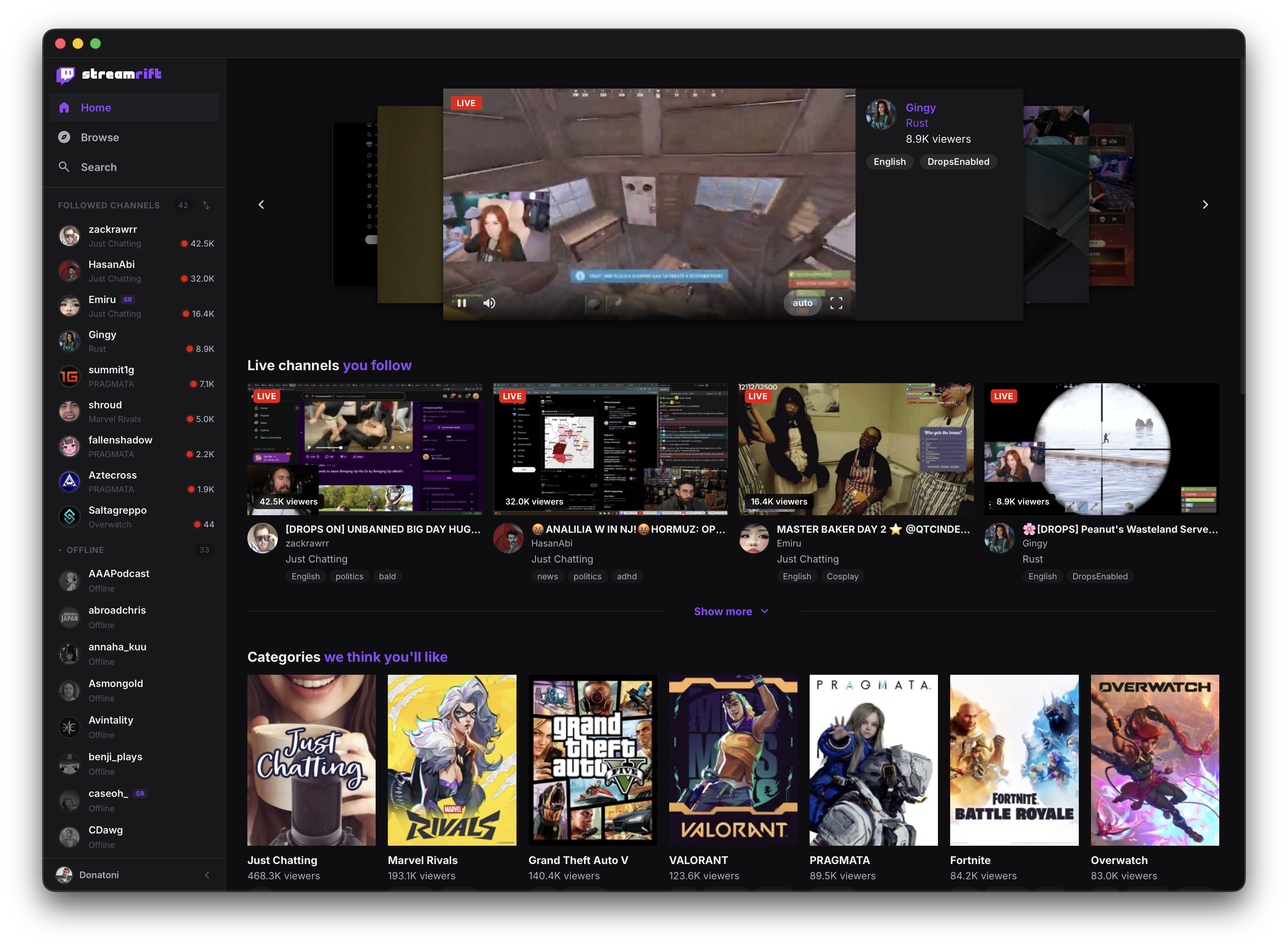
Followed channels from both platforms with live indicators and viewer counts. Categories merge Twitch and Kick into one grid. Search anyone.
Keyboard shortcuts
Mute, hot-swap audio, theater mode, fullscreen, record, clip - all without taking your hand off the keyboard.
Light & dark
System-aware theming with manual override. Optimized for long watch sessions on OLED displays.
Custom titlebar
Native drag region with traffic lights on macOS. Layout switcher and mini-controls live in the chrome.
Optional cloud sync
Bring Supabase and your preferences follow you across machines. Stays local-first if you skip it.
Ed25519 signed updates
Bundles refuse to install unless the signature verifies against the pubkey baked in at build time.
Patchable GQL
Twitch changes its private schema often. Queries live in external config and hot-swap without a rebuild.
Granular settings
Per-channel quality overrides, chat font size, emote sets, GPU decode, launch on login, start minimized.
Keyboard-first.
Designed for a hand on the keyboard and one eye on four streams.